
 By
·
5 minute read
By
·
5 minute read
Your spreadsheet may be in the cloud. That doesn’t make it a credential system of record.
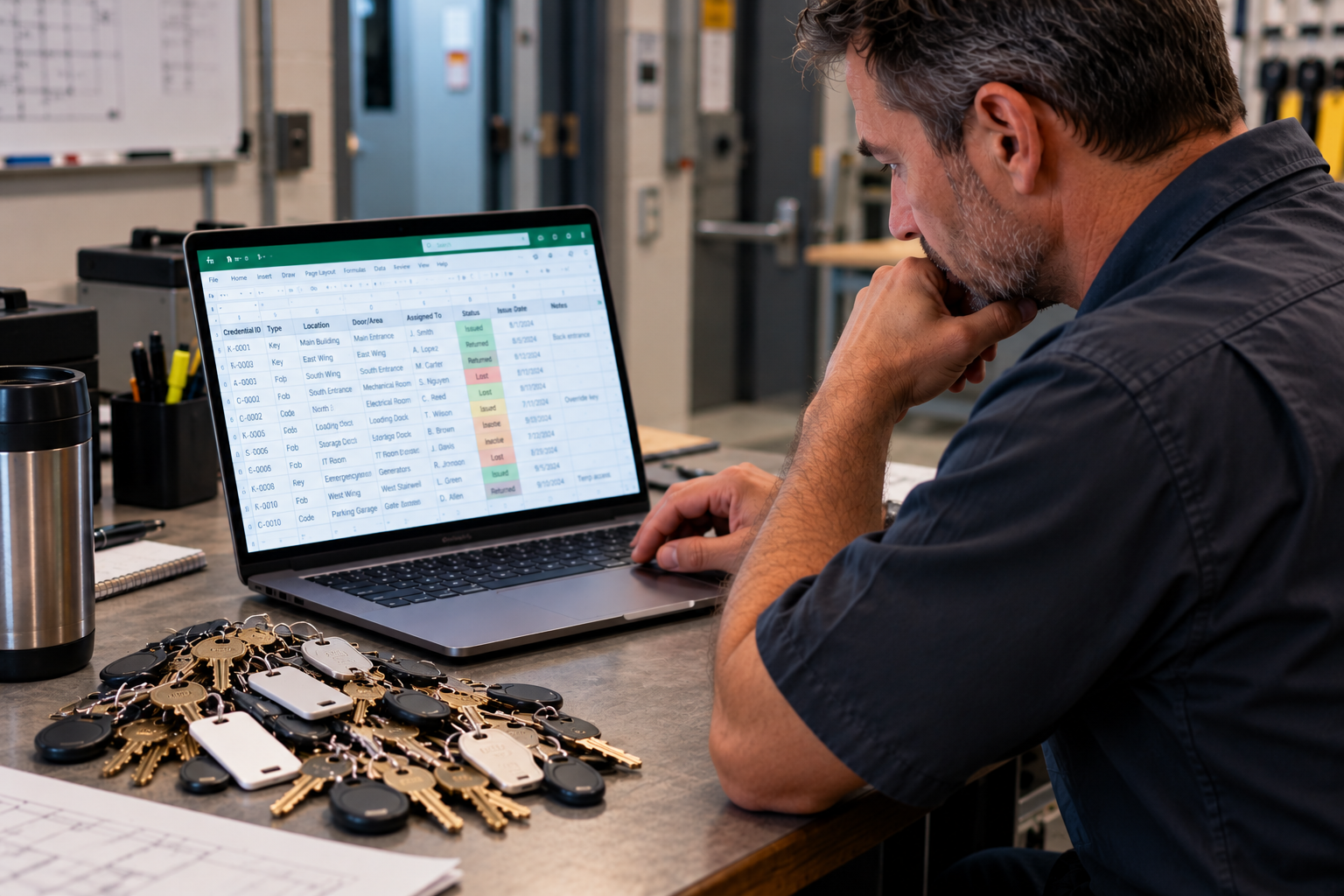
Spreadsheets are incredibly useful tools.
Budgets? Absolutely.
Project lists? Perfect.
Tracking lunch orders? Have at it.
But when the question is “Who has the credential that opens this door?” a spreadsheet starts looking a little less impressive.
Facilities and operations teams still rely heavily on manual data sheets, shared drives, and other manually maintained files to track physical security credentials. They may contain keys, cards, fobs, codes, locations, doors, and employee information.
The problem isn't necessarily where the spreadsheet lives.
The problem is that it's still a spreadsheet.
Someone has to keep it up to date. Someone has to know which version is correct.
And when something changes, can you easily answer:
Who made the change?
When was it changed?
Who had access to make the change?
Was the credential actually returned?
When was the information last audited?
And most importantly, is it accurate right now?
Those aren't spreadsheet questions.
They're security questions.
When "I'll Look It Up" Isn't Fast Enough to Find Who Has the Overide Key?
Most days, taking a few minutes to find information is simply inconvenient.
During a security, safety, or operational event, those minutes can become much more important and critical.
Imagine a severe weather event causes flooding and knocks out power to a building.
Your electronic access control system may no longer provide the access you're accustomed to. Emergency responders or facilities personnel need to enter a secure mechanical room, electrical room, utility area, or another controlled location.
Suddenly, the important question isn't:
Where is our credential spreadsheet?
It's:
Where is the mechanical override key?
Who has it? What does it open? Is there another copy? Who is authorized to use it? How quickly can you get it into the hands of the person who needs it?
During an emergency, facilities teams don't want to research who, where, how, and what.
They need to know.
Different Crisis. Same Physical Credential Problem.
Now change the scenario.
There's a security incident in the neighborhood, on your campus, or within the building itself. Your organization needs to secure or lock down part of the facility immediately.
You may have electronic access control.
You may also have mechanical keys.
And codes.
And fobs.
And mobile credentials.
And override credentials.
The challenge is that these credentials are often managed by different people, in different systems, using different records.
That's exactly where centralized credential management becomes valuable.
SECURITYRECORDS describes the same challenge in its From Many to One System of Record case study, where an organization had multiple security layers and credentials but no centralized way to determine who had them. Spreadsheets, custody receipts, shared drives, cloud folders, and internally developed solutions all introduced additional administrative and maintenance concerns.
The answer wasn't another spreadsheet.
It was creating one system of record.
A Spreadsheet Records. A Physical Credential System of Record Governs.
That's an important distinction.
A spreadsheet can tell you what someone typed into a cell.
A credential system of record should help tell you:
- Who has the credential
- What that credential accesses
- Where the credential belongs
- When it was issued, transferred, returned, lost, or changed
- Who performed those actions
- When the record was last verified or audited
- Whether an exception requires attention
SECURITYRECORDS' audit capabilities, for example, maintain credential actions such as issuance, transfers, returns, and changes along with associated timestamps, users, locations, and event details.
That's the difference between storing information and governing information.
The Cloud Should Do More Than House the Spreadsheet
Moving an Excel file into a shared cloud folder solves an accessibility problem.
It doesn't necessarily solve the administration problem.
Someone still owns the file. Someone still maintains the data. Someone still determines what changed. Someone still needs to figure out whether the information is current.
Modern credential management should go further.
SECURITYRECORDS is designed to bring physical security credential information together across keys, cards, fobs, codes, mobile credentials, users, doors, and locations. Existing spreadsheet and legacy data can be imported, organized, validated, and transformed into centralized credential records rather than remaining another file someone must maintain.
And because credential information shouldn't become another technology island, the platform can connect with HRIS, identity, facilities/CMMS, asset management, and other systems through imports, exports, APIs, and connectors.
And Then There's AI. Does your AI have the credential information to help?
AI makes this conversation even more interesting.
Organizations are racing to use AI to search information, automate workflows, identify exceptions, and answer operational questions.
Great.
But AI is only as useful as the information underneath it.
Ask AI:
"Who has the mechanical override key for the west electrical room?"
If the underlying credential information lives in three spreadsheets, an old shared drive, someone's email, and the facilities manager's memory, you haven't really created intelligent automation.
You've created a faster way to search questionable information.
The smarter starting point is to centralize, organize, and govern the credential data first.
Then automation, integrations, reporting, and AI have something reliable to work with.
Don't Build Another Database Unless You Want to Maintain Another Database
It can be tempting to build an internal credential database.
After all, how hard could it be?
That's usually where the adventure begins.
Once created, somebody has to maintain the application, manage access, establish workflows, preserve historical records, support users, create reporting, handle integrations, maintain security, and adapt the system as the organization changes.
SECURITYRECORDS' existing case study reached a similar conclusion: internally developed approaches introduced ongoing operational maintenance and functionality concerns that a purpose-built platform was designed to address.
For many organizations, the better question isn't:
"Can we build this?"
It's:
"Why are we building something that already exists?"
Give Facilities the Physical Security Credentials Answer, Not the File
Facilities and operations teams have enough to manage.
When something happens, they shouldn't have to hunt through folders, compare spreadsheet versions, call three people, or hope somebody remembers where the spare key went.
They should be able to quickly determine:
Who has what?
What does it access?
Where is it?
When was it last verified?
And what do we need to do next?
That's why physical security credentials deserve more than a spreadsheet.
They deserve a system of record.
Because when the water is rising, the power is out, or the building needs to be secured, nobody wants to hear:
"Give me a minute. I think I have the latest spreadsheet."
The spreadsheet has left the building. Maybe your credential records should, too.
SECURITYRECORDS is the System of Record for Physical Security Credentials, designed to centralize keys, cards, fobs, codes, mobile credentials, users, and locations while improving accountability, auditability, compliance, and operational visibility.

Frequently Asked Questions about Physical Security Credentials Tracking
1. Why aren't spreadsheets enough for managing physical security credentials?
Spreadsheets can store information about keys, access cards, fobs, and other credentials, but they rely on manual updates and often lack reliable audit trails and chain-of-custody tracking. A dedicated credential management system provides greater visibility, accountability, and control over who has access to what.
2. What is the difference between a spreadsheet and a credential management system?
A spreadsheet stores information, while a credential management system helps govern it. Solutions like SECURITYRECORDS centralize credential records, track issuance and returns, maintain historical activity, and help organizations verify who has each credential and what it accesses.
3. How does centralized credential management help during emergencies?
During power outages, security incidents, or other emergencies, facilities teams need immediate access to reliable credential information. A centralized system helps authorized personnel quickly identify who has critical keys or access credentials, what they open, and where they belong, reducing delays when time matters most.
4. Can existing key and access credential spreadsheets be imported into SECURITYRECORDS?
Yes. SECURITYRECORDS supports importing existing spreadsheet and legacy credential data into a centralized system of record. Organizations can organize and validate their information while improving credential tracking, accountability, and auditability without starting from scratch.